


The short answer: An AI chatbot is worthwhile above all for businesses that receive many recurring questions – for example about services, prices, processes or opening hours. It answers them based on agreed information and refers individual concerns to you.
In addition to the setup, there are ongoing costs for using the AI model. Answers can contain errors. You still provide binding information yourself.
How an AI chatbot works on a website
A visitor types a question into the chat window. A script on the server sends this question together with defined business information and rules to an AI language model. The model formulates an answer, which appears in the chat window.
Unlike a rule-based chatbot with fixed answers, an AI chatbot also understands freely phrased questions. How good its answers are depends above all on the information it receives: services, frequent questions, opening hours, prices and clear limits.
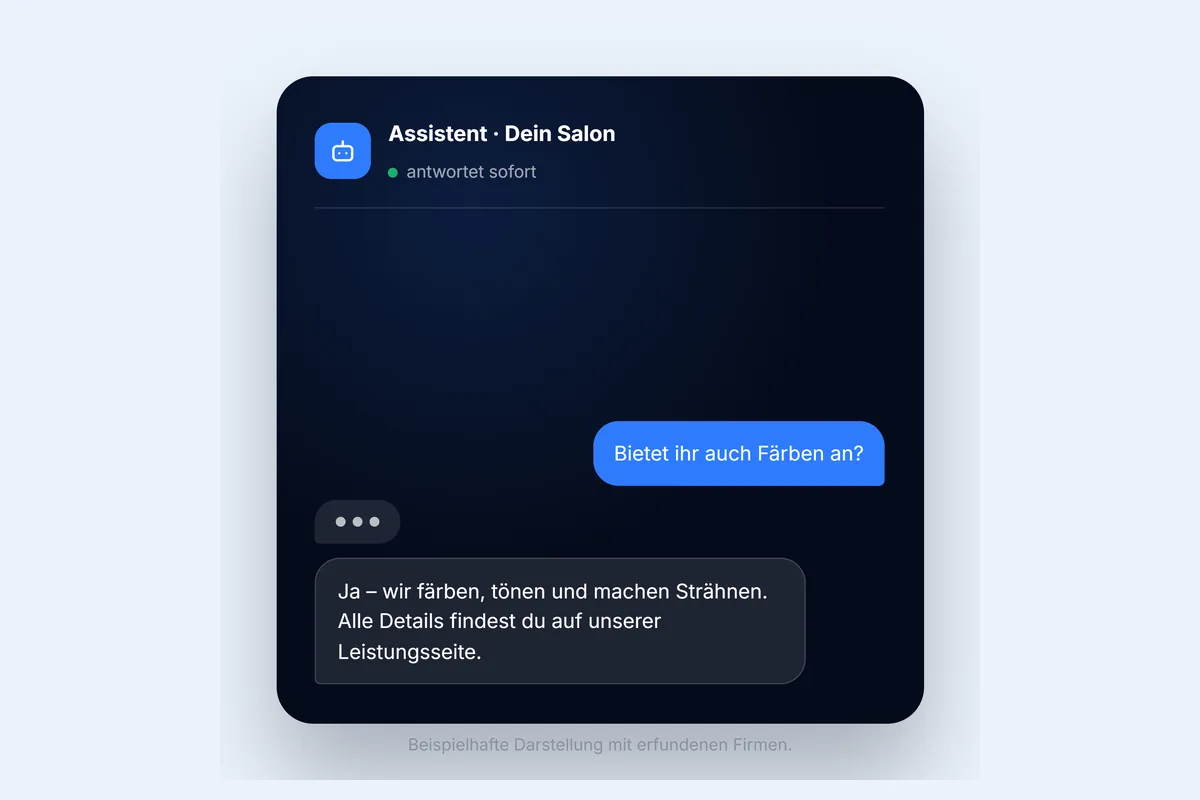
What a chatbot is suitable for
- Answering questions about services: the chatbot explains your offer based on the information provided.
- Guiding visitors: it refers to relevant pages, prices or contact options.
- Preparing enquiries: on request, it asks for initial details about the concern.
- Helping outside business hours: visitors get a first answer even when you’re not available.
Which businesses is it worth it for?
| Situation | Chatbot useful? |
|---|---|
| Many recurring questions by phone or email | likely yes |
| Extensive offer with many services and prices | likely yes |
| Frequent enquiries outside business hours | likely yes |
| Very individual or sensitive advice | only with clear limits |
| Small website with little information | FAQ and contact options are usually enough |
| Customers prefer personal contact | rather phone or WhatsApp |
Which ongoing costs arise?
An AI chatbot involves two types of cost:
- Setup: defining tasks, preparing content, designing, integrating and testing the chatbot.
- Ongoing operation: use of the AI model is usually billed by the interface provider according to the volume of requests. Maintaining the content can come on top.
With me, setup, ongoing operating costs and additional features are listed separately in the quote. Limiting the number of requests per time period also reduces the risk of unexpectedly high costs from automated access.
The limits of an AI chatbot
- Errors are possible: AI models can formulate answers that sound plausible but are wrong.
- Limited knowledge: the chatbot only knows the information it receives.
- No binding commitments: quotes and individual advice remain your job.
- Data protection: input is transmitted to the AI model provider to generate the answer. This belongs in the privacy policy, and visitors shouldn’t enter sensitive data.
Visitors should always be able to tell that they’re chatting with an AI. In Article 50, the European AI Act also provides for transparency obligations for AI systems that interact with people. If in doubt, have it checked legally whether and how they apply to you.
How a chatbot becomes genuinely helpful
- The chatbot’s tasks are clearly defined.
- The knowledge base is complete and up to date.
- For questions outside its scope, it refers to phone, email or the contact form.
- It is labelled as AI and points out possible errors.
- The access key for the AI model stays on the server.
- Message length and the number of requests are limited.
- Typical customer questions are tested before launch.
Examples from my work
On the staublos Gebäudereinigung website, an AI chatbot answers questions about services, prices and booking. On this website, too, you’ll find an AI assistant at the bottom right that answers questions about my packages and services. Learn how I set up chatbots on the AI chatbots for your website page.
Alternatives to a chatbot
Not every website needs a chatbot. Simpler solutions are often enough:
- a well-maintained FAQ section
- a WhatsApp chat for direct contact
- an appointment booking tool
- a short contact form